






Hcl commerce to Shopify
Migrating your store from Hcl commerce to Shopify might seem daunting, but with proper planning and the right tools, it's a smooth process. Follow this step-by-step guide to ensure a successful transition.
Schedule a call
Step-by-Step Migration Guide: HCL Commerce to Shopify migration guide
Step 1: Preparing for Migration
In this initial phase, we will gather essential data and perform a comprehensive audit of your existing HCL Commerce setup, ensuring that we have a clear understanding of the data to be migrated and any potential challenges.
Step 2: Data Backup and Export
This step focuses on securing your data by creating backups and exporting essential information from HCL Commerce, ensuring that no data is lost during the migration process.
Step 3: Setting Up Your Shopify Store
In this phase, we will create your new Shopify store environment, configure settings, and select themes, laying the foundation for your online presence.
Step 4: Data Migration
This step involves the actual migration of data from HCL Commerce to Shopify, ensuring that all your critical information is accurately transferred.
Step 5: Theme Customization and Optimization
Now that the data has been migrated, we will focus on customizing your Shopify theme and optimizing it for performance and UX, ensuring it meets your brand standards.
Step 6: Testing and Quality Assurance
Before going live, we will conduct thorough testing to ensure every aspect of your Shopify store functions correctly and meets your expectations.
Step 7: Launching Your Shopify Store
With testing complete, we will plan and execute the launch of your Shopify store, ensuring a smooth transition from HCL Commerce and minimal downtime for your customers.
Power Your Step - Get in Touch
Ready to elevate your ecommerce business? Contact PowerCommerce for expert guidance and seamless migration support tailored to your needs.
Step 1: Preparing for Migration
Objective: Preparing for a smooth migration involves a thorough understanding of the current HCL Commerce setup. This step sets the stage for a successful transition to Shopify by identifying data types, assessing the existing infrastructure, and formulating a migration strategy.
We begin by conducting a detailed audit of your current HCL Commerce store. This audit encompasses a variety of elements:
- Data Inventory: Identify all data types that need migration, including customer information, product catalogs, orders, and transactional data.
- System Audit: Review the current configurations, customizations, and third-party integrations that are in place.
- Performance Analysis: Analyze the existing store's performance metrics to set benchmarks for improvement.
Next, we will formulate a migration plan that clearly outlines the goals, timelines, and resources required. It is crucial to engage all stakeholders during this phase to ensure alignment and gather any additional requirements.
Best Practices:
- Document all critical business processes that may be affected by the migration.
- Establish a communication plan to keep all stakeholders informed throughout the migration process.
- Backup all existing data to prevent loss during migration.
Recommended tools for this phase include data auditing tools and backup solutions. We suggest using MySQL Workbench for database analysis and WP All Export for exporting data efficiently.
To ensure success, review your migration checklist, confirming that all data types and processes have been accounted for.
Step 2: Data Backup and Export
Objective: Creating backups is vital to safeguard your business data. In this step, we will secure your current data and prepare it for export to Shopify.
We begin by implementing a robust backup strategy. This includes:
- Database Backup: Use tools such as
phpMyAdminorMySQL Dumpto create a complete backup of your database. Execute the following command to export your database:mysqldump -u username -p database_name > backup_file.sql - File Backup: Backup all media files, themes, and configurations from your HCL Commerce installation directory. This can be done using FTP clients like
FileZilla. - Documentation: Document any custom code or configurations that have been implemented in your current setup.
Once backups are completed, we will proceed with exporting the necessary data files. This typically involves:
- Customer Data: Export customer information, including name, email, and order history.
- Product Data: Export all product listings, including descriptions, prices, and inventory levels.
- Order History: Export all past orders for historical reference and customer service continuity.
Utilize data export tools such as HCL Commerce Data Export Tool to facilitate this process. Ensure that the exported formats are compatible with Shopify's import requirements, typically in CSV format.
Best Practices:
- Verify the integrity of your backups by checking file sizes and performing test restorations.
- Store backups securely, ideally in multiple locations, such as cloud storage services.
- Keep a log of all data that has been backed up and exported.
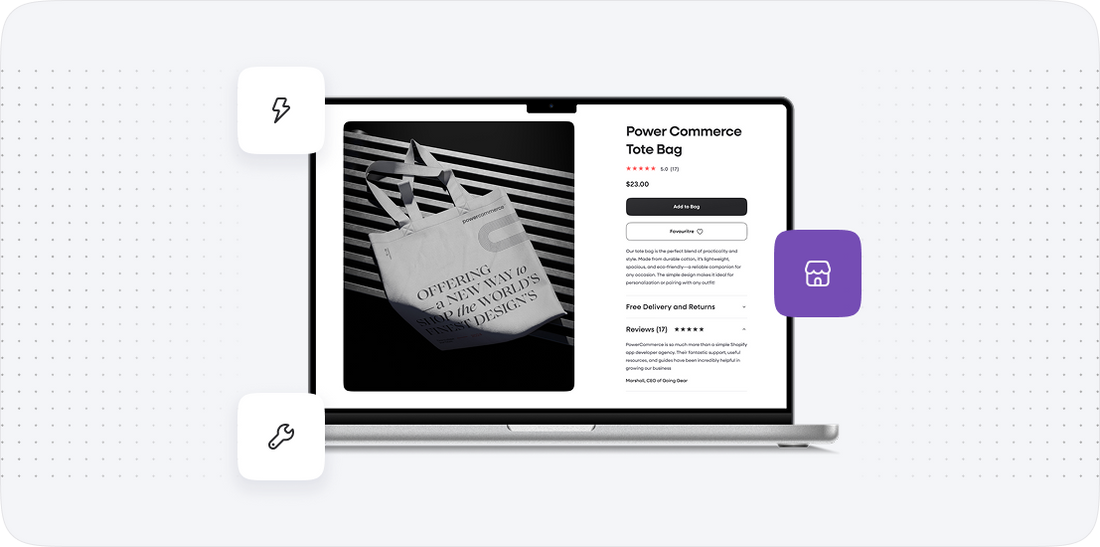
Step 3: Setting Up Your Shopify Store
Objective: Setting up your Shopify store involves creating an account, configuring essential settings, and selecting a theme that aligns with your brand identity.
We start by creating a Shopify account. Here’s how:
- Go to
shopify.comand click on Start Free Trial. - Enter your email address, password, and store name.
- Follow the prompts to complete the setup process.
Once your account is created, we will configure essential settings:
- Store Settings: Navigate to
Settingsin the Shopify admin and configure your store details, including address, currency, and payment gateways. - Shipping Settings: Set up shipping zones and rates based on your business needs.
- Tax Settings: Configure tax settings per region to ensure compliance with tax regulations.
Next, we will select a theme that resonates with your brand. Shopify offers a variety of themes in the Themes section:
- Browse free and premium themes available in the Shopify Theme Store.
- Select a theme and customize it to fit your branding by adjusting colors, fonts, and layout.
- Preview changes to ensure the design aligns with your vision.
Best Practices:
- Choose a responsive theme that works well on both desktop and mobile devices.
- Utilize Shopify's built-in SEO features while setting up your store to enhance visibility.
- Test the theme with various user scenarios to ensure a seamless shopping experience.
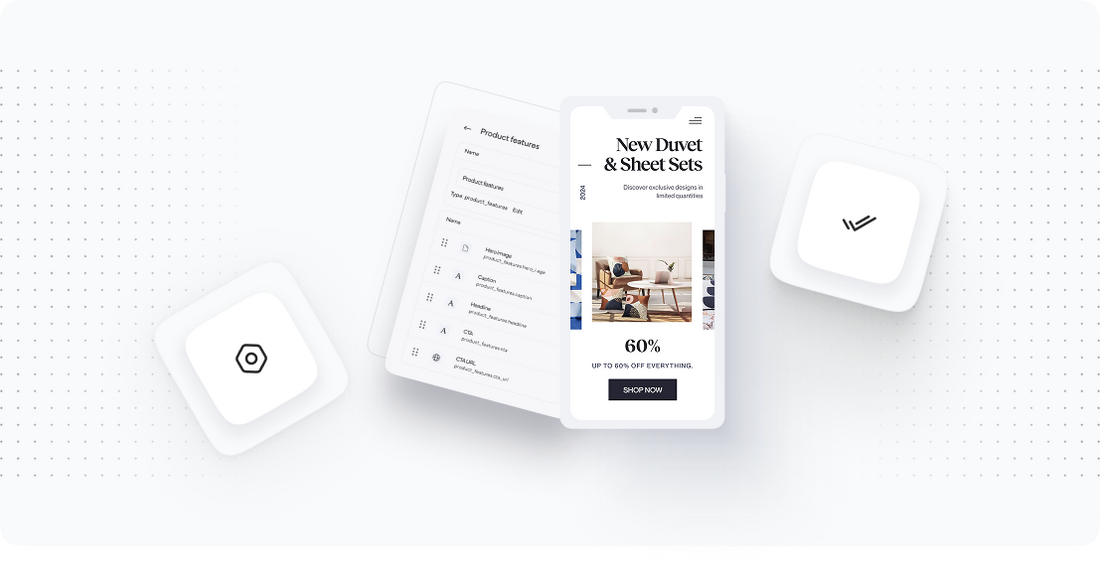
Step 4: Data Migration
Objective: Data migration is the core of the transition process. This step ensures all relevant data is accurately transferred from HCL Commerce to Shopify.
To begin, we will prepare the data for import. Follow these steps:
- Data Formatting: Ensure all exported data files are formatted according to Shopify's specifications. This typically includes columns for product title, description, price, inventory quantity, and more.
- CSV Import: Navigate to the
Productssection in Shopify admin and select Import. Upload the CSV file and follow the prompts for mapping fields. - Customer Import: Repeat the process for customer data using Shopify’s customer import tool.
Once the data is imported, we will verify the integrity of the migration:
- Data Validation: Check that all products, customers, and orders have been imported correctly without data loss.
- Functionality Testing: Test key functionalities such as product visibility, search functionality, and customer accounts to ensure everything is operational.
Best Practices:
- Perform a test migration with a small dataset before conducting the full migration.
- Keep a backup of your original data until the migration is confirmed successful.
- Monitor the migration process closely to address any issues promptly.
Step 5: Theme Customization and Optimization
Objective: Customize your Shopify theme to create a unique brand experience while optimizing site performance for better user engagement.
We start with theme customization:
- Visual Elements: Customize header, footer, colors, and typography to align with your branding.
- Navigation Setup: Organize product categories and collections logically to enhance user navigation.
- Content Integration: Add engaging content such as banners, blogs, and product descriptions that reflect your brand voice.
Next, we will focus on performance optimization:
- Image Optimization: Compress images to reduce load times while maintaining quality.
- SEO Optimization: Implement SEO best practices, including meta tags, alt text for images, and clean URLs to improve search visibility.
- Mobile Optimization: Ensure your site is mobile-friendly by testing on various devices and screen sizes.
Best Practices:
- Regularly update your theme to benefit from new features and security patches.
- Utilize Shopify apps for additional functionalities, such as reviews and upsells, to enhance user experience.
- Conduct A/B testing on different elements to determine the best-performing designs and layouts.
Step 6: Testing and Quality Assurance
Objective: Testing ensures that your new Shopify store operates smoothly and provides a positive user experience. This step identifies and resolves any issues before launch.
We will perform various testing procedures, including:
- Functionality Testing: Check all site features, including product searches, filters, checkout process, and payment gateways, to ensure they work as intended.
- Cross-Browser Testing: Verify that the website displays correctly across different browsers (Chrome, Firefox, Safari, etc.) and devices (desktop, tablet, mobile).
- Performance Testing: Analyze site speed and responsiveness using tools like Google PageSpeed Insights and GTmetrix to identify areas for improvement.
In addition, we will conduct user acceptance testing:
- User Feedback: Involve a group of users to navigate the site and provide feedback on their experience.
- Adjustments: Make necessary adjustments based on user feedback to enhance usability and functionality.
Best Practices:
- Document all testing results and any issues encountered to ensure accountability.
- Schedule testing during off-peak hours to minimize disruption to existing operations.
- Prepare a rollback plan in case of critical issues during launch.
Step 7: Launching Your Shopify Store
Objective: The launch phase is critical as it involves transitioning from HCL Commerce to your new Shopify store. This step requires careful planning to ensure a smooth transition with minimal disruption.
We will follow these steps for a successful launch:
- Final Checks: Conduct a final review of all settings, including payment gateways, shipping options, and tax settings, to ensure they are configured correctly.
- DNS Configuration: Update your domain's DNS settings to point to your new Shopify store. This process typically takes a few hours to propagate.
- Go Live: Launch your Shopify store and monitor its performance closely for any immediate issues. Ensure that all team members are prepared to handle customer inquiries and resolve potential issues.
Post-launch, we will focus on:
- Monitoring: Continuously monitor site performance and user behavior to identify any issues quickly.
- Customer Communication: Inform customers about the new store launch and any changes to their accounts or shopping experiences.
- Feedback Collection: Encourage feedback from users to address any concerns and improve the shopping experience.
Best Practices:
- Consider launching during off-peak hours to minimize impact on customers.
- Prepare a contingency plan for addressing any significant issues that may arise post-launch.
- Celebrate the launch with your team to acknowledge everyone's hard work!
Power Your Step - Get in Touch
Power Your Step - Get in Touch
At PowerCommerce, we understand the complexities involved in migrating from HCL Commerce to Shopify. Our team of experts is here to guide you through every phase of the migration process, ensuring a seamless transition that minimizes downtime and maximizes performance.
Don't leave your migration to chance. Reach out to us today to leverage our industry-leading expertise and innovative solutions:
- Contact Us: Visit our contact page to get in touch or fill out our consultation form.
- Call Us: Speak directly with our team at 800-099-9090.
- Email Us: Send your inquiries to info@powercommerce.com.
Let us help you power your ecommerce success with tailored migration strategies and ongoing support!
Our Commitment: We pride ourselves on innovation, scalability, and a customer-centric approach. Trust us to help you navigate the complexities of ecommerce migrations effectively.

Unlock dedicated support to shape an incredible future with solutions crafted for scale and innovation.
Let's WorkStay aligned on what's happening in the commerce world


Trusted by 1000+ innovative companies worldwide
Schedule Your Migration Today
For businesses prioritizing simplicity, scalability, and robust support, Shopify is the clear winner.
Looking to migrate without hassle? Power Commerce can handle the entire process, ensuring smooth data transfer, store setup, and post-launch success.
Marka Marulića 2, Sarajevo, 71000 BiH
00387 60 345 5801
info@powercommerce.com